using GMT
ecdfplot(randn(100), show=true)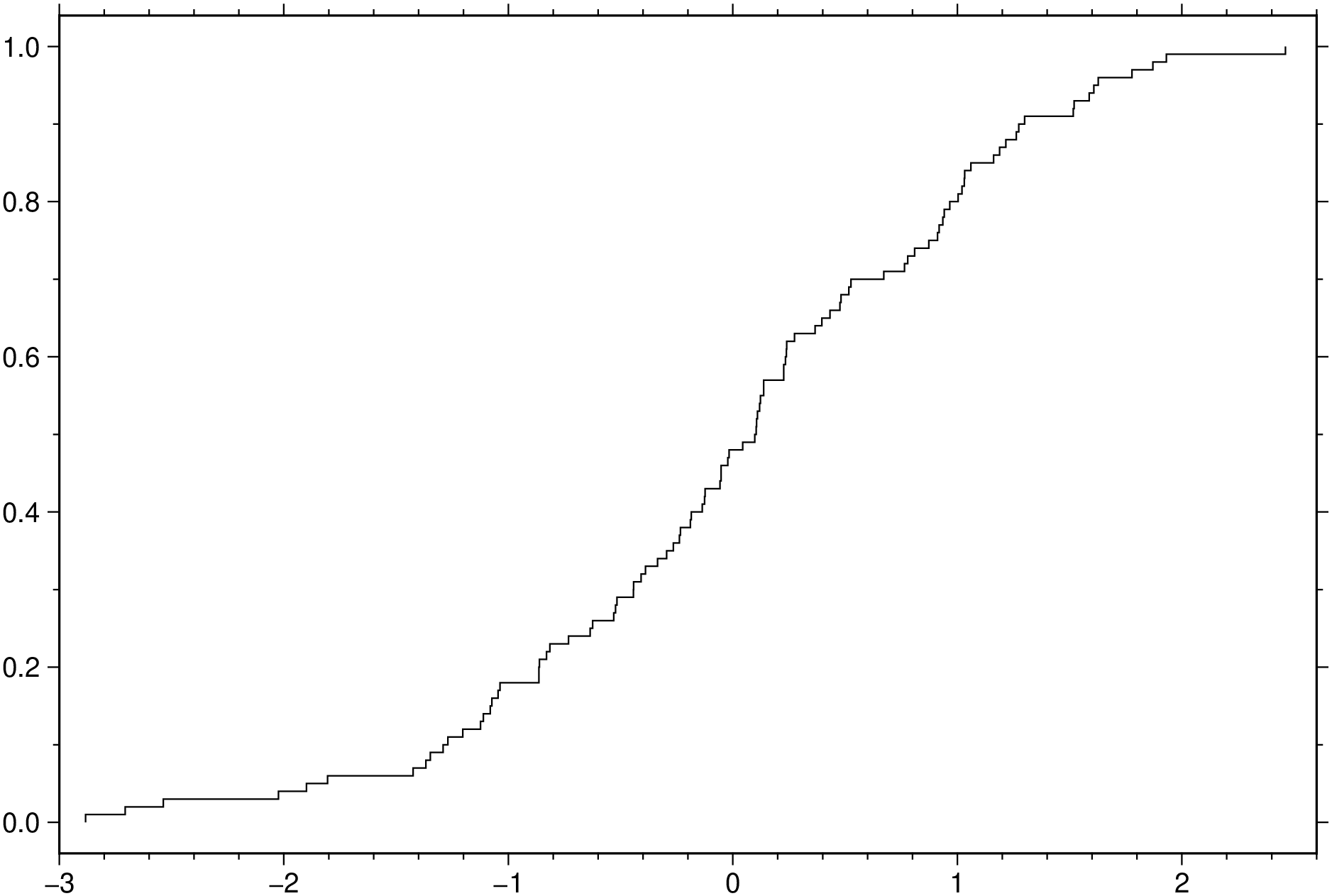
ecdfplot(x::AbstractVector{AbstractFloat}, y::AbstractVector{AbstractFloat}; kwargs...)ecdfplot(x, …) plot the empirical cumulative distribution function (ECDF) of x.
This module is a subset of plot to make it simpler to draw stair plots. So not all (fine) controlling parameters are not listed here. For the finest control, user should consult the plot module. |
- For fine the lines settings use the same options as in the plot module. Nemely lw or lt for controling the line thickness, lc for line color, ls for line styles, etc… |
| - B or axes or frame Set map boundary frame and axes attributes. Default is to draw and annotate left, bottom and vertical axes and just draw left and top axes. More at frame |
| - J or proj or projection : – proj= Select map projection. More at proj |
| - R or region or limits : – limits=(xmin, xmax, ymin, ymax) | limits=(BB=(xmin, xmax, ymin, ymax),) | limits=(LLUR=(xmin, xmax, ymin, ymax),units=“unit”) | …more Specify the region of interest. More at limits. For perspective view view, optionally add zmin,zmax. This option may be used to indicate the range used for the 3-D axes. You may ask for a larger w/e/s/n region to have more room between the image and the axes. |
| - G or markerfacecolor or MarkerFaceColor or markercolor or mc or fill Select color or pattern for filling of symbols [Default is no fill]. Note that plot will search for fill and pen settings in all the segment headers (when passing a GMTdaset or file of a multi-segment dataset) and let any values thus found over-ride the command line settings (but those must be provided in the terse GMT syntax). See Setting color for extend color selection (including color map generation). |
- W or pen=penSet pen attributes for the arrow stem [Defaults: width = default, color = black, style = solid]. See Pen attributes and Vector attributes for arrow line terminations. |
| - U or time_stamp : – time_stamp=true | time_stamp=(just=“code”, pos=(dx,dy), label=“label”, com=true) Draw GMT time stamp logo on plot. More at timestamp |
| - V or verbose : – verbose=true | verbose=level Select verbosity level. More at verbose |
| - X or xshift or x_offset : xshift=true | xshift=x-shift | xshift=(shift=x-shift, mov=“a|c|f|r”) Shift plot origin. More at xshift |
| - Y or yshift or y_offset : yshift=true | yshift=y-shift | yshift=(shift=y-shift, mov=“a|c|f|r”) Shift plot origin. More at yshift |
- figname or savefig or name : – figname=name.pngSave the figure with the figname=name.ext where ext chooses the figure image format. |
| Examples |
using GMT
ecdfplot(randn(100), show=true)
View the source code for this function.